In the early days of the internet, web design felt a bit like a game of Tetris. Developers tried to cram every bit of information links, flashing banners, and scrolling tickers into the “above the fold” real estate. The result? A digital headache.
Today, we know better. Modern web design isn’t about how much you can fit on a screen; it’s about how much you can afford to leave out. This “nothingness” is known as whitespace (or negative space), and it is arguably the most important tool in a designer’s kit.
What Exactly is Whitespace?
Despite the name, whitespace doesn’t have to be white. It simply refers to the empty space between elements in a layout—the gutters between columns, the gap between lines of text, and the padding around images.
We generally categorize it into two types:
- Macro Whitespace: The large spaces between major layout elements (like sections of a page).
- Micro Whitespace: The small gaps between smaller elements (like the space between letters or list items).
1. Boosting Legibility and Comprehension
Have you ever tried to read a wall of text with no paragraph breaks? It’s exhausting. Whitespace acts as a visual “reset button” for the brain.
- Line Height: Increasing the space between lines of text makes it easier for the eye to track from the end of one line to the beginning of the next.
- Paragraph Spacing: Breaking up content into smaller chunks helps users scan the page, which is how most people consume web content anyway.
Research shows that the strategic use of whitespace can increase content comprehension by up to 20%. It’s the difference between a user reading your message and a user clicking the “back” button.
2. Directing the User’s Eye (Visual Hierarchy)
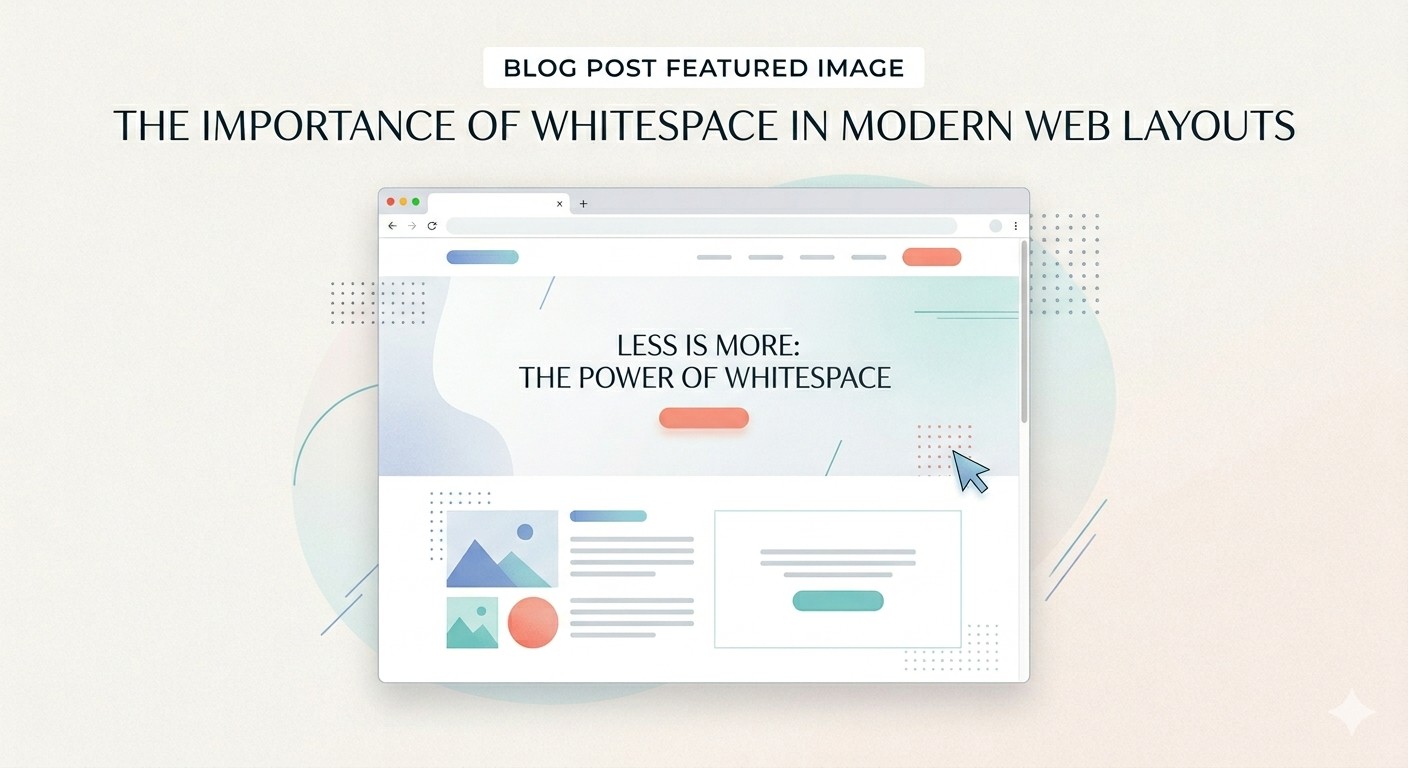
In design, silence is often louder than noise. When you surround a single “Call to Action” (CTA) button with plenty of whitespace, you are essentially pointing a giant neon arrow at it.
Whitespace helps define the Visual Hierarchy. By giving elements room to breathe, you tell the user what is important and what is secondary. Without it, every element competes for attention, and when everything is screaming for focus, nothing gets heard.
3. Creating a “Premium” Brand Perception
There is a psychological link between whitespace and luxury. Think about high-end fashion brands like Chanel or tech giants like Apple. Their websites are often minimalist, featuring vast expanses of empty space.
“Whitespace is like air: it’s necessary for design to breathe.”
Conversely, discount retailers often use cluttered, “loud” layouts to communicate urgency and low prices. If you want your brand to feel sophisticated, authoritative, and trustworthy, you need to embrace the empty space.
4. Improving Interaction and “Touchability”
On mobile devices, whitespace isn’t just about aesthetics—it’s about usability. We’ve all experienced the frustration of trying to click a link only to accidentally hit the one right next to it because they were too close together.
Proper whitespace around buttons and links (often called “padding”) ensures that users can navigate your site without “fat-fingering” the wrong element. It turns a frustrating interface into a seamless experience.
The Bottom Line
Whitespace is not “wasted” space. It is a functional element of design that balances your layout, organizes your content, and creates a better experience for your users.
Next time you’re looking at a web layout and it feels “off,” try taking something away instead of adding more. You might find that a little breathing room is exactly what your design was missing.